3 Ways to Measure Distance on a Map
October 15, 2025

When you’re looking at a map, you may often wonder how far one point is from another — whether it’s the distance between two cities, fields, or locations on your property.
Here are three simple ways to measure the straight-line (direct) distance between two points quickly and accurately.
1. Measure Distance Using Google Maps
- Google Maps offers a built-in distance measurement tool.Simply right-click on the starting point and choose “Measure distance”, then click the second point.
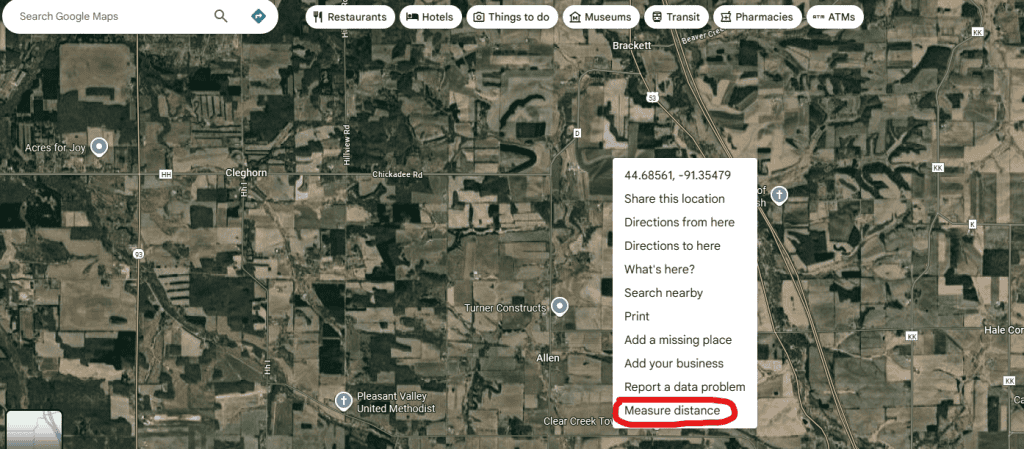
- Google Maps will instantly show you the straight-line distance between them.This method is easy to use and great for quick checks on your phone or computer
- In Google Maps, you can measure an area by placing multiple points to form a closed shape. Once the points are connected, Google Maps automatically calculates the total area.
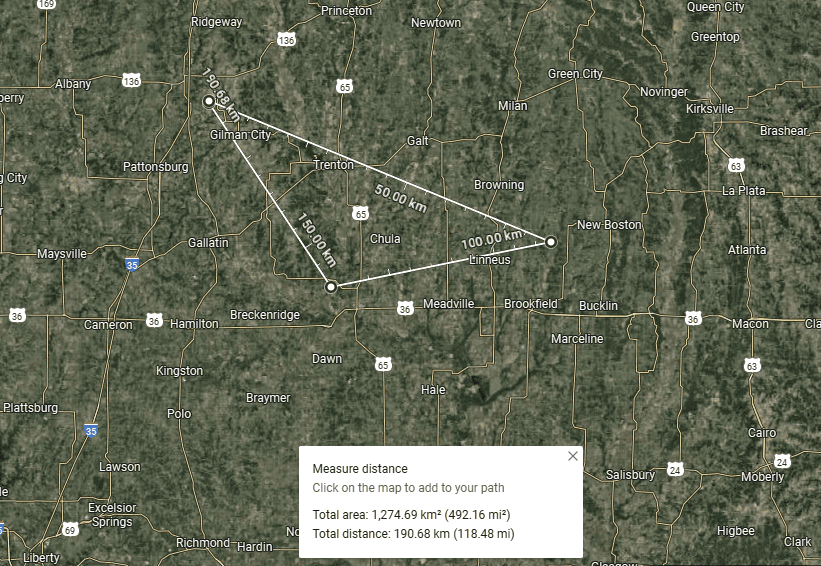
2. Measure Distance Using GlandNav Online Meausre
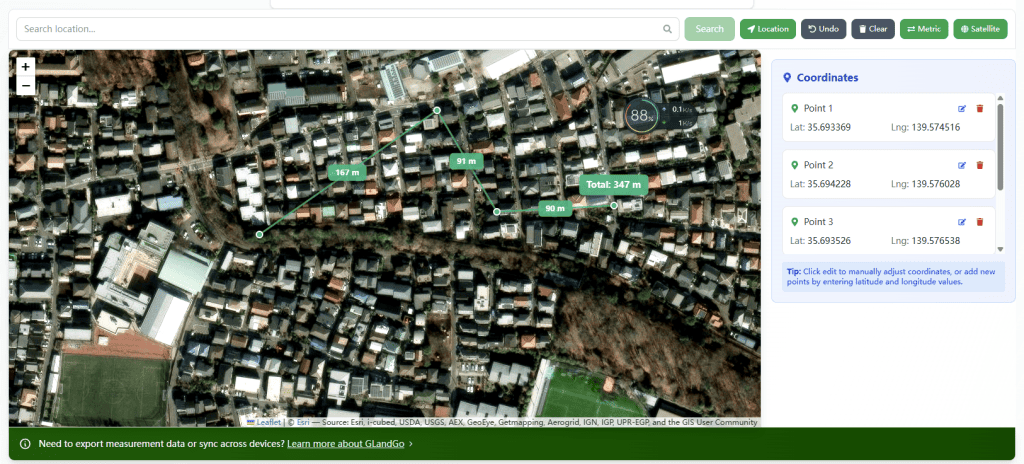
Designed specifically for measurement, Whether it’s distance measurement or area measurement ensures quick and accurate results. supports adding coordinate measurement In addition, it supports area measurement, unit conversion, utm conversion, etc.
https://glandnav.com/tools/fields-distance-measure
3. Measure Distance Using GLandGo App ?
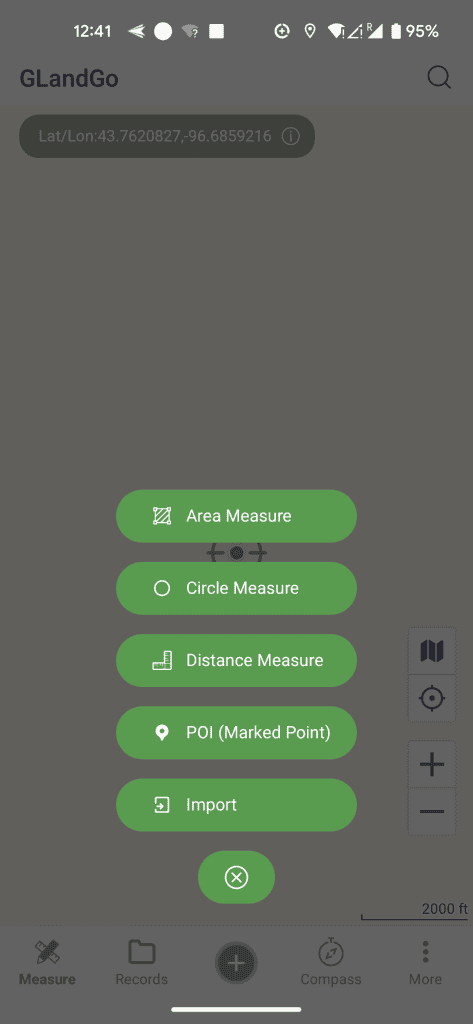
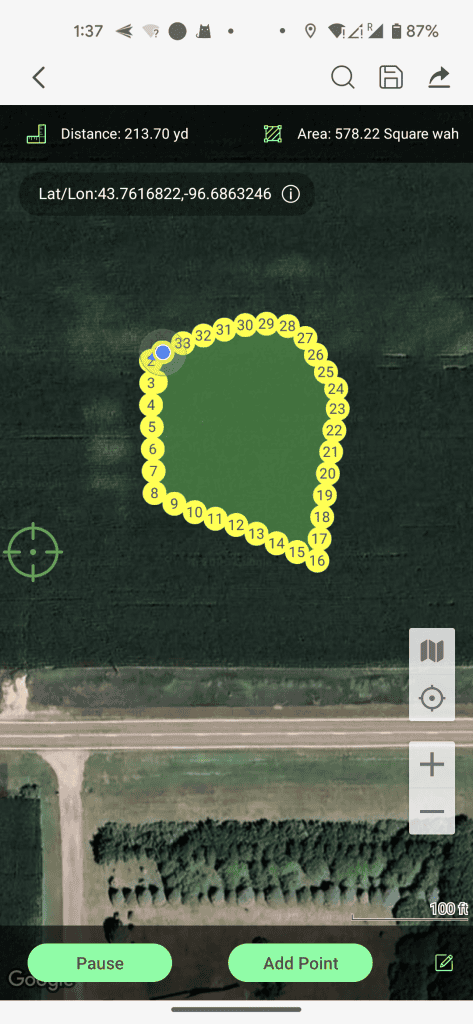
- For offline use and Use anytime, anywhere, a mobile GPS measurement app is the best option.With the GLandGo app, you can measure distances directly in the field using GPS or by tapping points on the map.
- Measure land area, distance, and perimeter with precision using your device’s GPS.GLandGo is the smart, reliable, and professional GPS Area Measurement app designed for accurate land surveying. Whether you’re measuring fields, tracking distances, or managing land data。
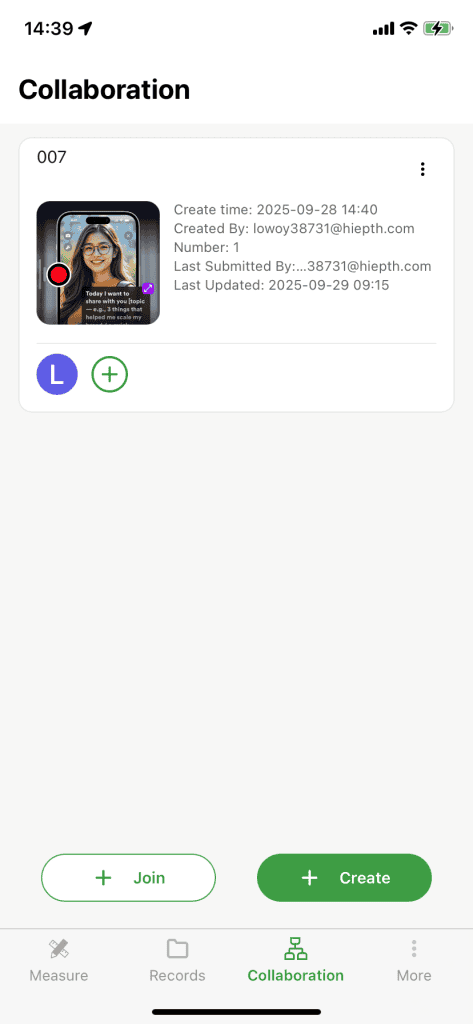
- Collaborative measurement — whether for personal use or GIS surveying, you can measure quickly and accurately.
Download GLandGo today and measure your fields the smart way.
👉 Get GPS Field Measure for iOS & Android