Collaborative GPS Surveying: How Teams Can Work Together on One Project

GLandGo has officially launched version 1.5.0, introducing GPS team collaboration. Now, whether you are using Android or iOS, multiple surveyors can work together on the same project, making task measurement faster, more accurate, and more efficient
Key Features of Team Collaborative Surveying
Team Measurement Across Devices
Multiple surveyors can work on the same project simultaneously. All data is synchronized in real time, whether members are using Android or iOS devices.
Flexible Team Member Management
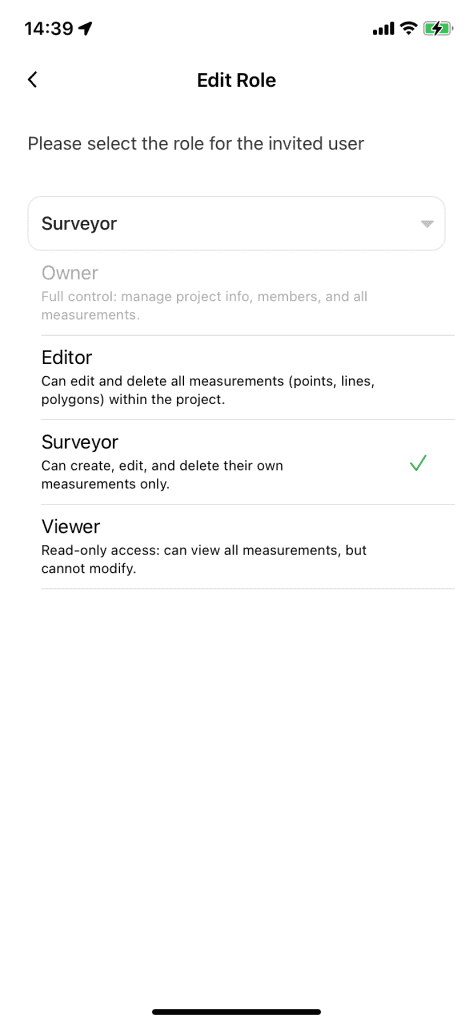
Assign different roles to your team members for better project control:
- Owner – Full control over the project and member management.
- Editor – Can edit all survey records within the project.
- Surveyor – Can edit only their own measurement records.
- Viewer – Can view survey results but cannot make changes.
With these features, GLandGo makes collaborative GPS surveying more efficient, organized, and seamless.
🚀 How to Get Started with Team Collaboration
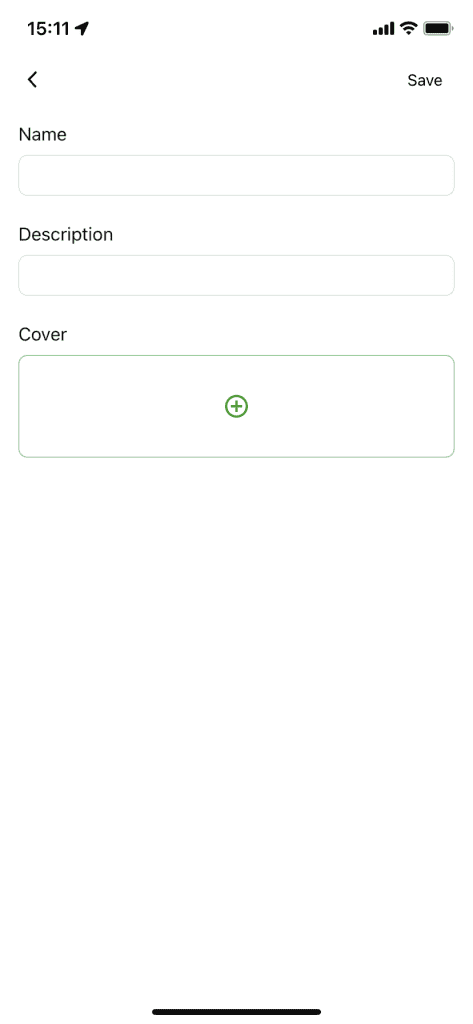
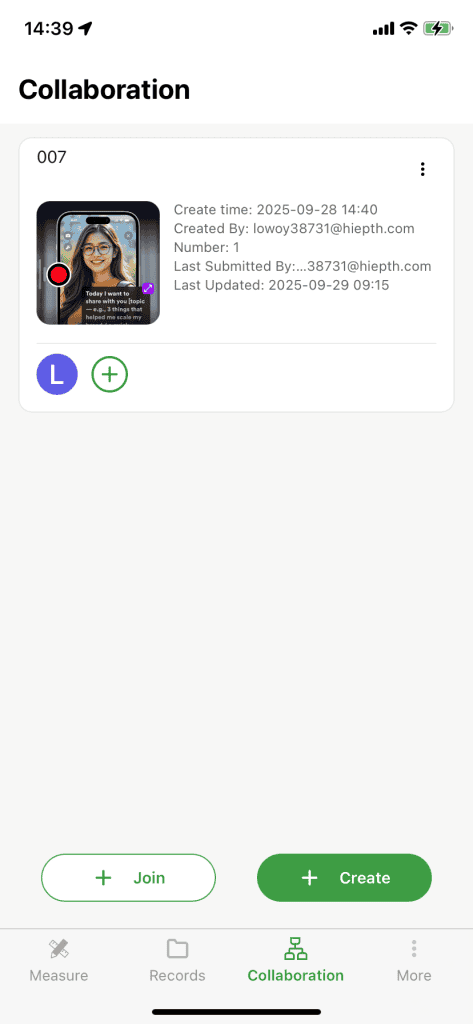
1. Create a New Project
The project Owner (Owner) starts by creating a new project in the app.
2. Invite Team Members
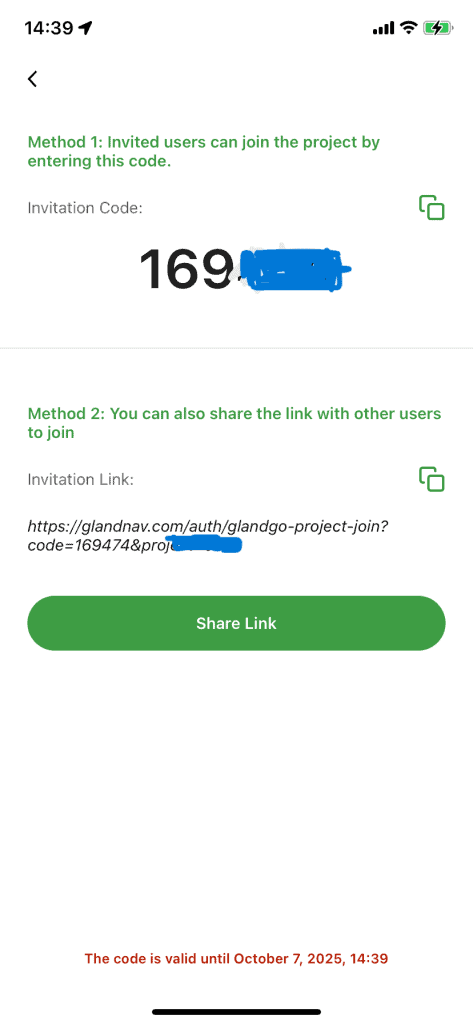
Invite colleagues to join the project via a shared invitation link or an invite code provided by the app.
3.Start Measuring Together
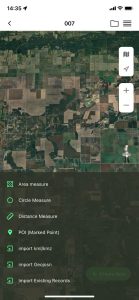
Each team member can begin surveying within the project. You can also import existing measurement records to keep all data in one place.
With just three simple steps, your team can start collaborative GPS surveying and enjoy real-time data synchronization across Android and iOS devices.
Download GLandGo today and measure your fields the smart way.
👉 Get GPS Field Measure for iOS & Android