How to Measure and Calculate Land Area

Measuring the area of your house or land doesn’t have to be complicated or require expensive surveying tools. With just your smartphone, you can quickly and accurately calculate land or property size.
How to Measure Fields? One of the easiest ways to do this is by using the GLandGo app, available for both Android and iOS. Here are two simple methods you can try:
1. Measure on the Map
Step 1: Open GLandGo
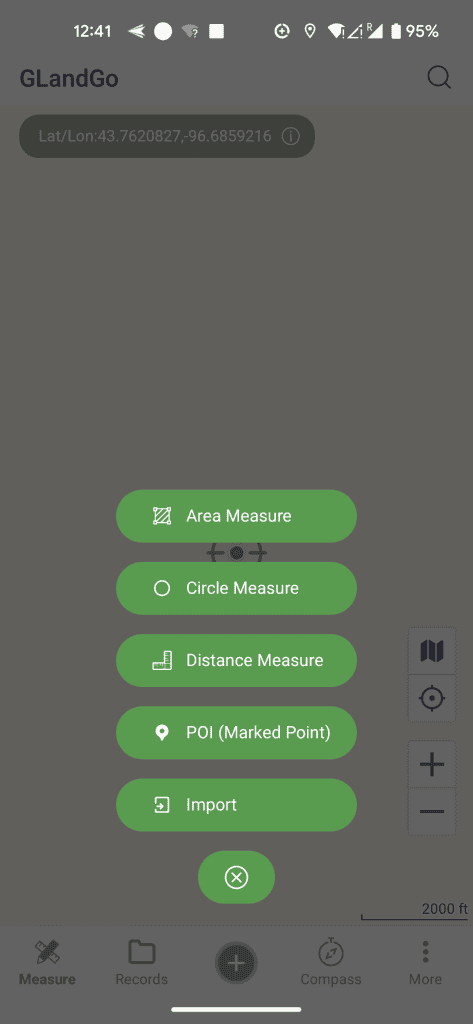
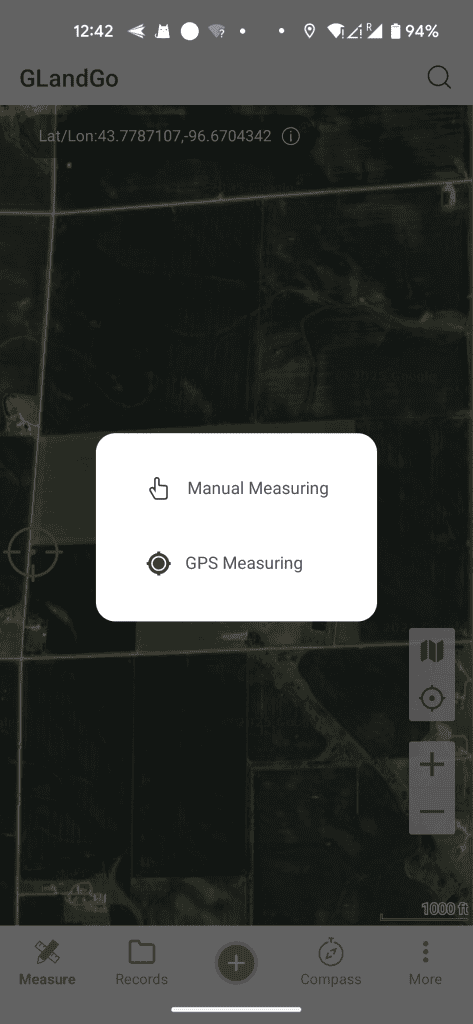
Step 2: Tap the Add button, select Area Measure, and then choose Manual Measuring.
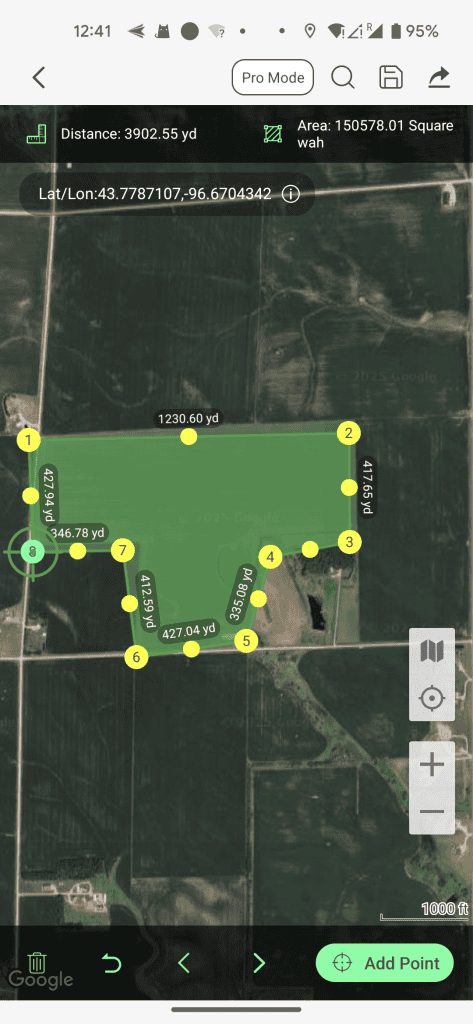
Step 3:Tap with your finger or use Add Point on the edges of the house or land plot to define the measurement area, and you will get the length and area of the land.
2. Measure with GPS
Step 1: Open GLandGo
Step 2: Tap the Add button, select Area Measure, and then choose GPS Measuring.
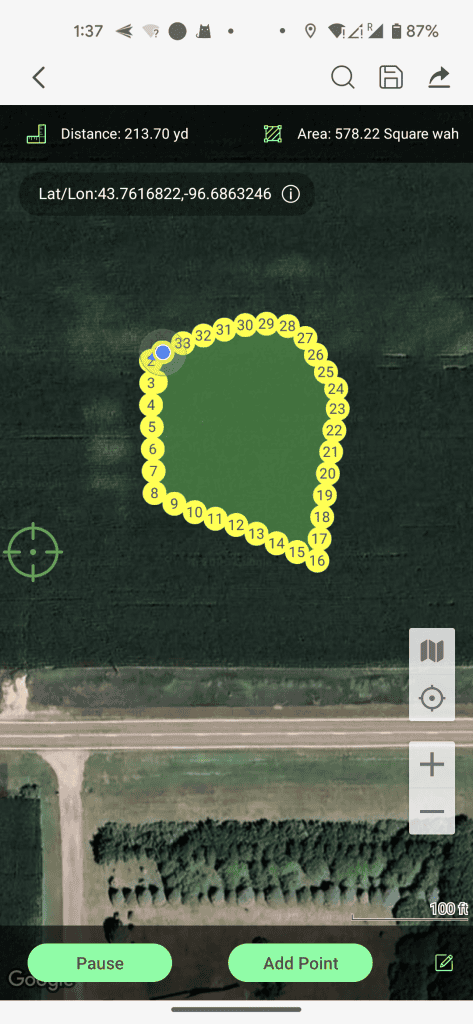
Step 3: Walk around the edges of the house or land plot you want to measure, and the app will automatically collect GPS data and calculate the length and area for you.
👉 Download GLandGo today on Google Play or App Store and start measuring your land in just a few taps!